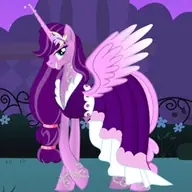
About My Pony Designer
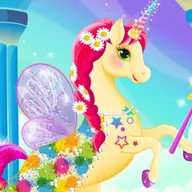
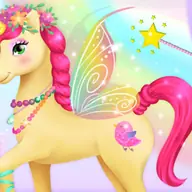
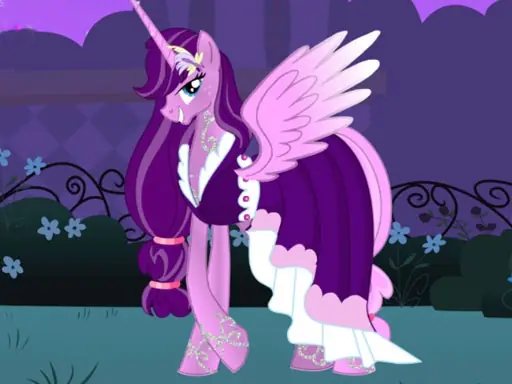
My Pony Designer lets you build a magic pony by choosing its main appearance from several design areas. You can select a head shape, body, tail, wings, and garment, then give the result your own color scheme.
The creative process continues with stickers for a finishing touch, so the final pony can combine shape, clothing, color, and decoration in one personal design. When the look is ready, the game allows you to take a photo of the creation and download it. Mouse and touch controls keep the editor simple to use.
How to Play My Pony Designer
Use the mouse or tap the screen to interact with the designer.
Choose the pony's head shape, body, tail, wings, and garment.
Apply colors to customize the pony's appearance.
Add stickers after the main design is complete, then take a photo of the finished pony.
Tips & Tricks
- 1Decide on a color idea before changing every part, so the body, wings, and garment work together.
- 2Try the head, tail, and wing choices in several combinations before settling on the silhouette.
- 3Place stickers last, because they are intended as final decorations and are easier to judge once the pony is styled.
Game Info
- #Cartoon
- #Coloring
- #Creation
- #Decorate
- #Design
- #Dress Up
- #Girl
- #Horse
- #HTML5
- #Kids
- #Makeover
- #Pony
Something wrong with this game or its description?