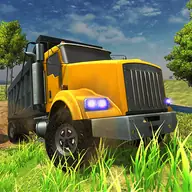
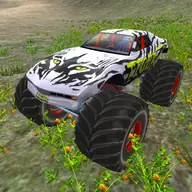
About Monster Truck Driver
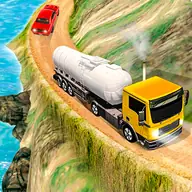
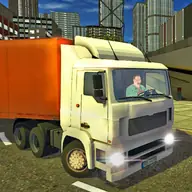
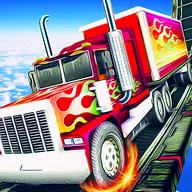
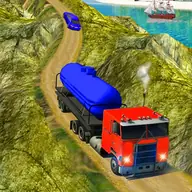
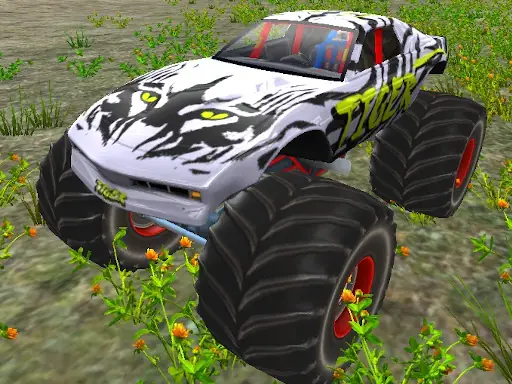
Monster Truck Driver puts you behind the wheel of a heavy vehicle in a driving simulator built for stunt-focused environments. You can select from three environments and choose among multiple trucks, then test your control across maps designed for dramatic driving maneuvers.
The keyboard handles movement, camera changes, vehicle selection, and the handbrake. That combination lets you adjust both the truck and the view while exploring the available surroundings. Monster trucks replace ordinary cars here, making the main attraction the feeling of controlling a larger vehicle through stunt-ready spaces.
How to Play Monster Truck Driver
Use W, A, S, and D or the arrow keys to steer and drive the monster truck.
Press C to switch the camera view when you need a different perspective.
Press V to enter the vehicle-change option and select another available truck.
Hold the Space bar to use the handbrake during driving and stunt attempts.
Tips & Tricks
- 1Choose an environment that gives you room to test the truck before attempting more ambitious maneuvers.
- 2Switch vehicles with V when another truck better suits the way you want to drive.
- 3Use the handbrake deliberately with Space to help manage sharp turns or stunt setups.
- 4If the driving angle hides an important part of the route, press C and reassess from the alternate view.
Game Info
- #Simulation
- #Simulator
- #Truck
- #Unity3D
- #WebGL
Something wrong with this game or its description?