
About MathMates 3D: Brain Quest
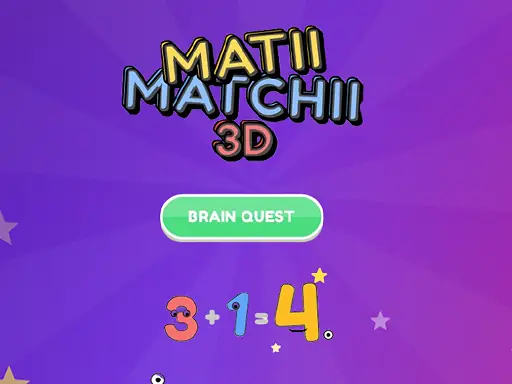
MathMates 3D: Brain Quest turns arithmetic practice into a colorful puzzle activity with animated number characters. You select a skill level, work through smart questions, and interact with the answers in a three-dimensional setting.
Its clean presentation and smooth animation make the number work feel more like a playful quest than a worksheet. The combination of educational puzzles, visual characters, and direct answer input gives each problem a clear focus while keeping the brain-training theme approachable.
How to Play MathMates 3D: Brain Quest
Choose the skill level that matches the kind of math challenge you want to attempt.
Use the mouse to select options and solve the displayed number puzzles.
When a keyboard answer is requested, enter it with the keyboard rather than relying only on clicking.
On a touch device, tap the answer choices and other puzzle elements directly to continue.
Tips & Tricks
- 1Read the complete math problem before selecting an answer, especially when several choices are visible.
- 2Use the keyboard input when it is offered, since entering the result can be quicker than searching for a button.
- 3Let the animated number characters guide your attention, but keep your decision focused on the calculation itself.
Game Info
- Category
- Puzzle
- Platform
- Web browser
- Price
- Free
- Added
- Oct 26, 2026
- #3D
- #3D Games
- #Best Games
- #Brain
- #Educational
- #Kids
- #WebGL
Something wrong with this game or its description?