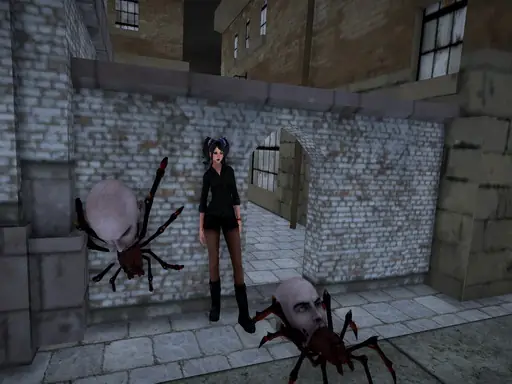

About Lets Kill Jane The Killer: Don't Go to Sleep
This 3D adventure shooter sends you after Jane the Killer, a dangerous figure who can turn violent despite her more helpful side. Your task combines exploration, weapon use, and a direct confrontation with Jane. Finding the scattered liquid-hate containers gives the mission its main search objective before the final attempt to stop her.
The game provides an arsenal that includes a newly added chainsaw, along with simple controls for movement, aiming, firing, and close attacks. You can also use grenades and change weapons as the situation demands, while crouching or going prone offers additional ways to handle encounters.
How to Play Lets Kill Jane The Killer: Don't Go to Sleep
Move with W, A, S, and D, then use the mouse to turn and inspect the area.
Fire with the left mouse button and aim with the right; rotate the mouse wheel to select another weapon.
Press G for grenades, R to reload, and F when you need to collect an item such as one of the required containers.
Left Shift makes you run, while Left CTRL and X let you crouch or lie prone.
Use V for a melee strike and Space to jump while searching for all eight containers and facing Jane.
Tips & Tricks
- 1Search carefully for the eight liquid-hate containers, since collecting them is a key part of completing the objective.
- 2Reload with R before relying on your firearm, especially after using several shots during an encounter.
- 3Switch between aiming, grenades, firearms, and melee attacks instead of treating every situation as a long-range shooting exchange.
Game Info
- #3D
- #Adventure
- #Shooter
- #Unity3D
- #weapons
Something wrong with this game or its description?