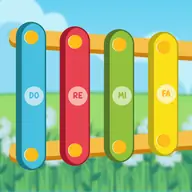
About Kids Instruments
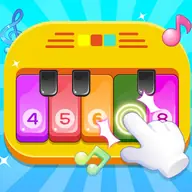
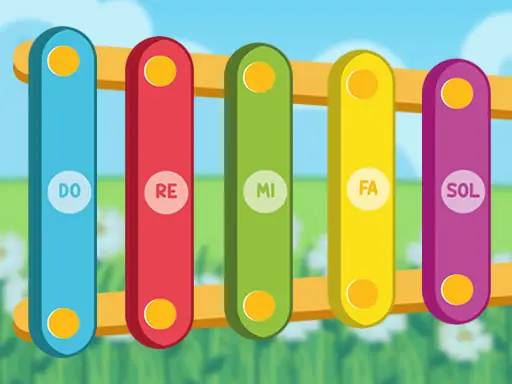
Kids Instruments is a musical play space featuring four different instruments: piano, xylophone, harp, and drums. Each one offers a distinct way to explore sounds, making the game a simple introduction to interactive music.
Designed with children in mind, it combines casual play with an educational touch. Switch between the instruments and experiment with their sounds through direct screen interaction, without needing a complicated setup.
How to Play Kids Instruments
Use the mouse or touch input to choose an instrument and activate its musical controls.
Try the piano, xylophone, harp, and drums to hear how each instrument responds.
Tap or click different areas of the selected instrument to create your own sounds.
Move between the four choices whenever you want to compare their different musical tones.
Tips & Tricks
- 1Begin with one instrument and explore its available sounds before switching to another.
- 2Compare the piano and harp with the brighter xylophone and rhythmic drums to notice their differences.
- 3Use short patterns and repeated taps to make your experimenting more deliberate and easier to follow.
Game Info
- #Educational
- #Fun
- #HTML5
- #Kids
- #Mobile
- #Music
- #Skill
Something wrong with this game or its description?