
About fight game
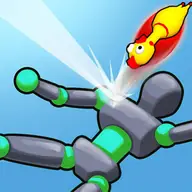
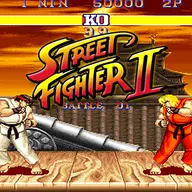
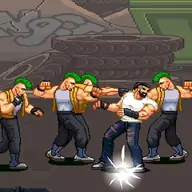
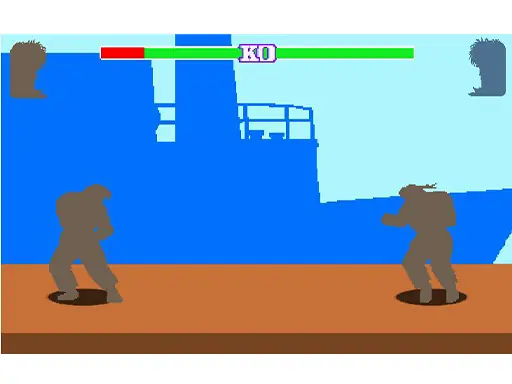
Fight game combines arcade combat with shooting-focused action and a street-fighting theme. Its tags also point toward flying action, bubble-shooter elements, and a crazy rocket bird shooting idea, giving the game a broad arcade identity.
The controls are compact, making the main challenge easy to understand: use the listed keys to handle the action and keep your attention on the targets. Players on a phone can interact with the buttons displayed on the game screen, while keyboard players have a separate control set.
How to Play fight game
Use W, S, X, and P for the actions assigned to those keys during play.
Press Space when the game assigns that key to an action or shot.
On a touch device, tap the visible control buttons to operate the game.
Focus on the shooting and fighting activity, switching between the available inputs as needed.
Keep the relevant keys or screen buttons ready when enemies or targets demand a quick response.
Tips & Tricks
- 1Remember the full keyboard set before starting: W, S, X, P, and Space each matter to the control scheme.
- 2For touch play, use the on-screen buttons directly rather than expecting keyboard input.
- 3Because the game mixes fighting and shooting themes, watch the active action and choose the matching control instead of pressing keys at random.
Game Info
- #Bubble Shooter
- #Fight
- #Fighting
- #Flight
- #Shoot
- #Shoot 'Em Up
- #Shooter
- #Shooting
- #Street Fighting
Something wrong with this game or its description?