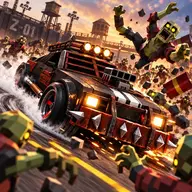
About Extreme Gear Shift Racing
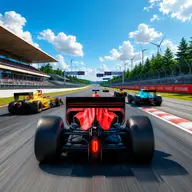
Extreme Gear Shift Racing puts gear timing at the center of a 3D car race. Choose from sports cars and work through 11 progressive levels, either alone or beside another player in local two-player mode. The goal is not only to reach the finish line first, but also to build speed by changing gears at the right moment.
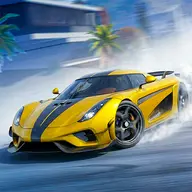
Marked drift sections add another part to each race. A successful drift can prepare a boost, making careful control useful when you need extra acceleration. A guided tutorial introduces the racing controls, while keyboard commands and on-screen mobile buttons let you play on different devices.
How to Play Extreme Gear Shift Racing
Press W or Up Arrow to accelerate, and use S or Down Arrow to brake or reverse.
Steer with A and D or the Left and Right Arrow keys, then press Space for the handbrake when a drift needs help.
Tap or press Shift while the indicator is in the green zone to make a perfect gear change.
Use the Drift and Boost buttons when they become available, and cross the finish line ahead of your opponent.
Tips & Tricks
- 1Watch the gear indicator closely so your shift lands inside the green zone instead of relying on rushed timing.
- 2Approach marked drift sections with enough control to complete the slide, since successful drifting makes boost available.
- 3Save boost for a useful stretch of track or a close race, and brake before steering sharply rather than carrying too much speed.
Game Info
- Category
- Sports
- Platform
- Web browser
- Price
- Free
- Added
- Oct 24, 2026
- #1 Player
- #2 Player
- #3D
- #Car
- #Cars
- #drift
- #drifting
- #Driving
- #Mobile
- #Racing
- #Stunts
- #WebGL
Something wrong with this game or its description?