About Drawing Master
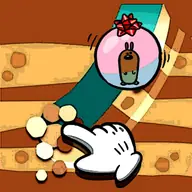
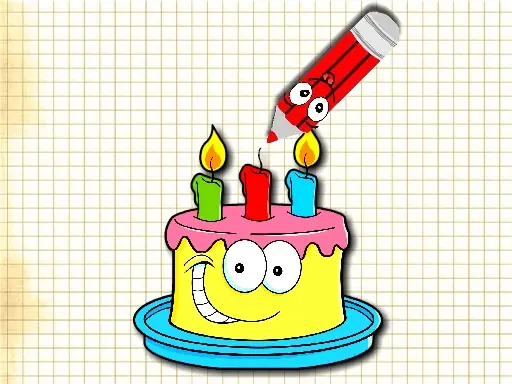
Drawing Master asks you to complete pictures by adding the parts that are missing. Each scene becomes a small drawing task, so the main challenge is noticing what the image needs and tracing it in the right place.
The game contains 20 levels of picture-based fun and keeps its art activity accessible through either a mouse or a touchscreen. Filling the gaps gives the activity a light school-and-skill-game feel without turning it into a complicated art program.
How to Play Drawing Master
Open a picture and inspect the unfinished areas before making a mark.
On a computer, use the mouse to draw directly over the missing part of the image.
On a touchscreen device, tap and drag across the area that needs to be painted.
Finish the current picture by covering its missing parts, then move on to another of the 20 levels.
Tips & Tricks
- 1Compare the blank area with the surrounding lines, shapes, and colors before drawing.
- 2Make your strokes follow the direction of nearby artwork so the added part fits the picture naturally.
- 3If a missing section has several edges, begin where an existing line ends and connect the drawing from there.
Game Info
- #Android
- #Boys
- #Draw
- #Drawing
- #Fun
- #Girls
- #HTML5
- #Kids
- #Mobile
- #School
- #Skill
Something wrong with this game or its description?