About Draw a skin for Mineblock with physics
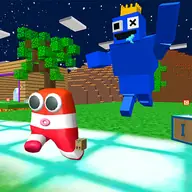
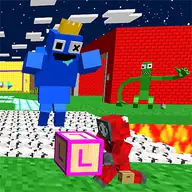
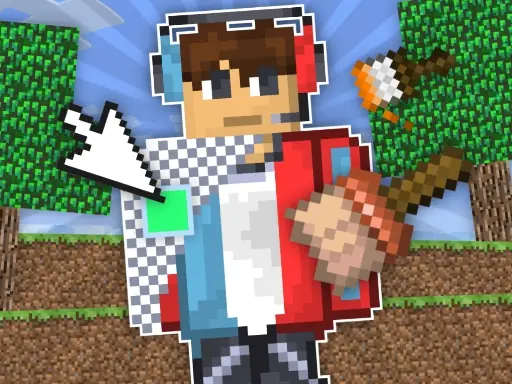
Design a Mineblock skin by filling a pixel-style figure with colorful blocks, then experiment with what you created in a physics playground. The game combines drawing, decoration, and destructive experiments in one simple creative activity.
You decide which colors and blocks form the skin, so the first stage is about placing pieces carefully. Afterward, the design can be taken apart or blown up, letting you see the creation in a less conventional way. The contrast between careful construction and playful destruction gives the editor its character.
How to Play Draw a skin for Mineblock with physics
Choose a color and block before filling a desired pixel.
Click pixels on the canvas to build your custom skin.
Activate the special replacement function when you want to change existing blocks.
Experiment with the completed design by taking it apart or blowing it up.
Tips & Tricks
- 1Plan the main color areas before filling many pixels so the skin stays easy to adjust.
- 2Use replacement when a block is in the wrong place instead of rebuilding the whole design.
- 3Keep a design you like in mind before trying destructive experiments, since construction and destruction serve different purposes.
Game Info
- Category
- Casual
- Platform
- Web browser
- Price
- Free
- Added
- Oct 27, 2026
- #Clicker
- #Coloring
- #Craft
- #Decoration
- #Design
- #Drawing
- #free games for your website
- #Fun
- #Funny
- #Games
- #Minecraft
- #unblocked games
- #unity games
- #unity games for your site
Something wrong with this game or its description?