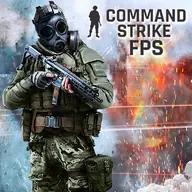
About Command Strike FPS 2
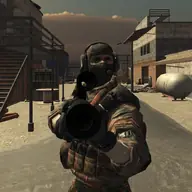
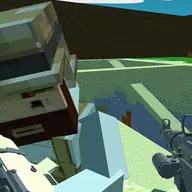
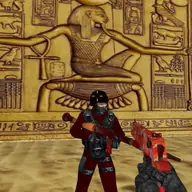
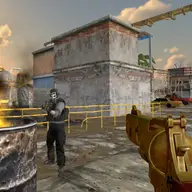
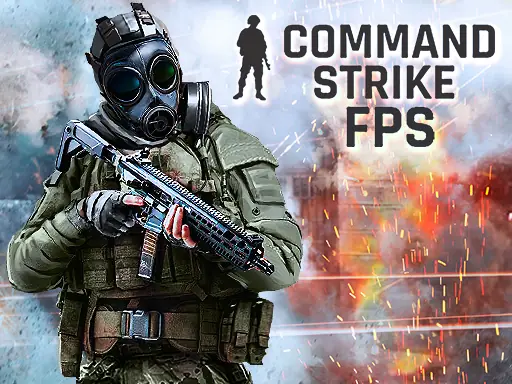
Command Strike FPS 2 places you in a commando shooter with battles across various maps and several offline modes. You can enter Deathmatch, capture a flag, or take on missions, while guns and pistols provide the equipment for each firefight. The focus is on moving, aiming, and completing the selected objective.
The controls combine keyboard movement with mouse actions and a few useful keys. WASD handles movement, while the mouse is used for aiming and shooting. Grenades, a first aid kit, crouching, jumping, menu access, and weapon changes are also assigned to dedicated inputs, giving the combat plenty to manage.
How to Play Command Strike FPS 2
Move with WASD, aim with M1, and shoot with M2.
Press G for a grenade, H to use the first aid kit, and C to crouch.
Use Space to jump, the scroll wheel to change weapons, and Esc to open the menu.
Choose among Deathmatch, Flag capture, and Missions, then work toward that mode's objective.
Tips & Tricks
- 1Switch weapons with the scroll wheel when the current gun or pistol is not suitable for the encounter.
- 2Crouching can give you a lower position while you line up an aim, and jumping changes your movement during a fight.
- 3Save the first aid kit for a moment when restoring health matters, and use grenades when a direct shot is not enough.
Game Info
- #3D Games
- #Action
- #Adventure
- #Best
- #H5
- #Hot
- #Multiplayer
- #New
Something wrong with this game or its description?