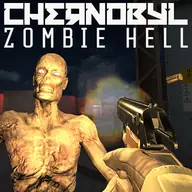
About Chernobyl Zombie Hell
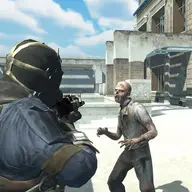
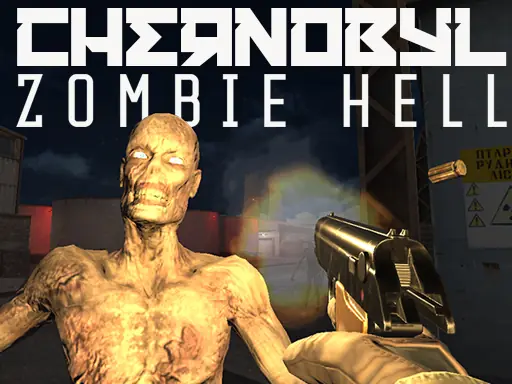
Chernobyl Zombie Hell puts you in the role of the current cleaner sent into the areas near the reactor after the disaster. Radioactivity has affected living things there, leaving the abandoned surroundings filled with dangerous creatures. Your task is to remove the undead threats before they can spread through the area.
The shooting action moves through several connected locations, beginning at the regional hospital, continuing into the streets of Chernobyl, and ending in tunnels beneath the reactor. Zombies are not your only concern, since hostile dogs, rats, and other monsters also appear. A selection of weapons and a 3D arena setting make each encounter focused on positioning, aiming, and choosing the right tool.
How to Play Chernobyl Zombie Hell
Move with the arrow keys or W, A, S, and D, then use the mouse to look around.
Fire with the left mouse button and hold the right mouse button to zoom your view.
Switch weapons with the mouse wheel or number keys 1 through 5, and press G to throw a grenade.
Press F to interact or pick up an item, Q and E to lean, and Left Shift to run.
Use P to pause and L to lock or unlock the mouse cursor.
Tips & Tricks
- 1Keep your aim ready for more than zombies, because dogs and rats are also part of the danger.
- 2Use zoom when a target is easier to handle from a distance, and change weapons when your current choice is less useful.
- 3Running, leaning, and careful movement can help you manage space while exploring the hospital, streets, and reactor tunnels.
Game Info
- #3D
- #3D Games
- #Arena
- #Gun
- #Horror
- #Monster
- #Shooter
- #Shooting
- #Undead
- #unity
- #Unity3D
- #Vampire
- #weapons
- #Zombie
Something wrong with this game or its description?