About Blocky Zombie And Vehicle Shooting
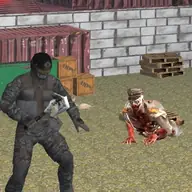
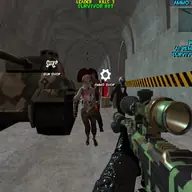
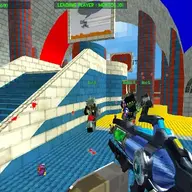
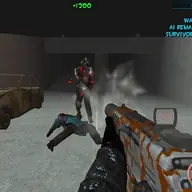
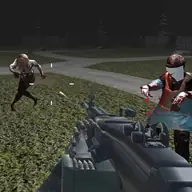
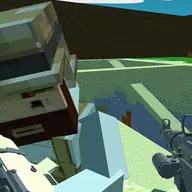
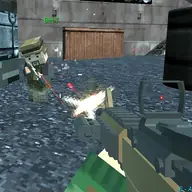
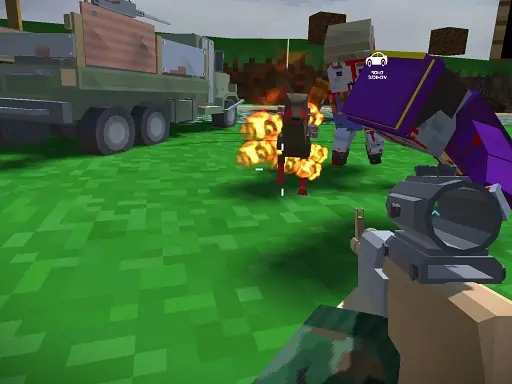
Blocky Zombie And Vehicle Shooting combines pixel-style combat with driving and multiplayer action. You can hunt zombies, travel in a vehicle, and challenge other vehicles or players in a world-spanning battle.
The game also offers a single-player campaign, so the main loop can focus on fighting on foot, taking control of a car, or switching between both approaches. Its simple blocky presentation keeps the action easy to read while you choose how to move through each encounter.
How to Play Blocky Zombie And Vehicle Shooting
Use WASD to walk or drive the vehicle, and move the mouse to look around and shoot or change your gun.
Press E to enter the car or leave it when you want to continue on foot.
Use Q to change the gun camo, and press T to switch attachments.
Watch for zombies, vehicles, and opposing players while deciding whether the car or your character is the better position.
Tips & Tricks
- 1Use the vehicle when movement and distance matter, then leave it when walking gives you a better angle.
- 2Keep the mouse moving deliberately so you can look around before firing at zombies or other players.
- 3Try the single-player campaign to practice driving, shooting, entering, and exiting before joining multiplayer combat.
Game Info
- #Car
- #Multiplayer
- #Pixel
- #Shooter
- #Unity3D
- #WebGL
- #Zombie
Something wrong with this game or its description?