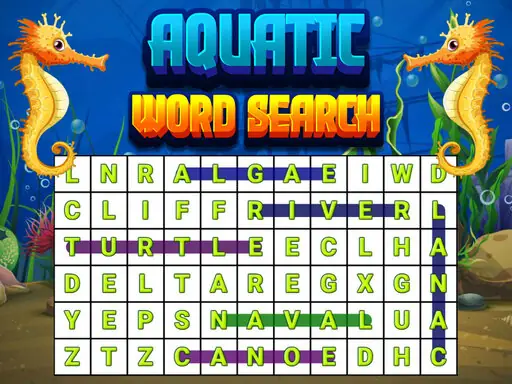
About Aquatic Word Search
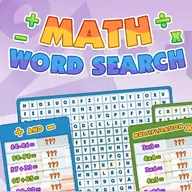
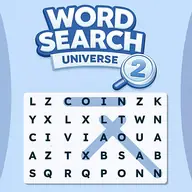
Aquatic Word Search is an educational puzzle where you locate displayed words inside a block grid. Words may run horizontally, vertically, or diagonally, and they can point in either direction, so the search requires more than scanning one reading path.
The word list appears in the left panel, while the grid provides the letters to trace. To mark an answer, press the block containing its first letter and move across the remaining letters. Finding every listed word completes a level, and completing all levels wins the game.
How to Play Aquatic Word Search
Use the mouse or touch pad to interact with the letter grid.
Check the left panel to see which words must be found.
Press the first letter of a word and move through its letters in a straight line.
Search horizontally, vertically, or diagonally, including reversed directions.
Find every listed word to complete the current level and continue through all levels.
Tips & Tricks
- 1Test diagonal lines as carefully as rows and columns, since words can use any of them.
- 2When a word may be reversed, check from its possible ending as well as its beginning.
- 3Use the left-panel list to focus your search instead of tracing unrelated letter groups.
Game Info
- #Educational
- #HTML5
- #Mobile
- #Puzzle
- #Skill
- #Word
Something wrong with this game or its description?